Apple Watch Workout TrackerLeave the phone in the locker.
Easy Reps on Apple Watch is a gym log, not a calorie ring. Start a workout, tick off sets, and change weight and reps from your wrist, with your heart rate on screen.

Free, Watch app includedWorks with Easy Reps on iPhone
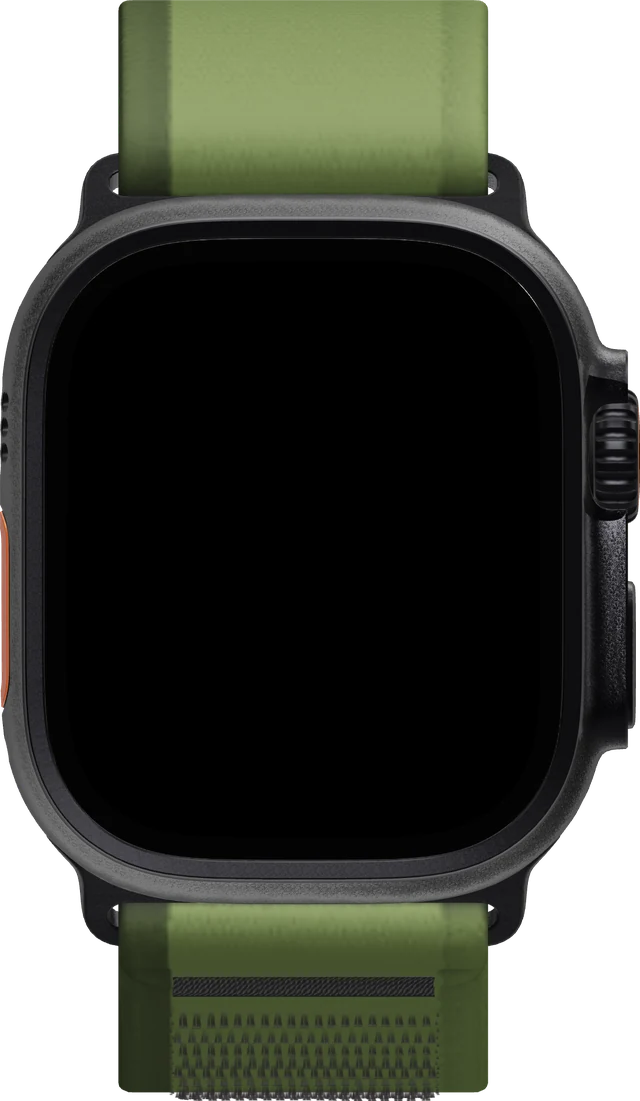

The whole workout, on your wrist.
-
1Pick a workout.
Your workouts sync from iPhone. Tap one, and it starts on both.
-
2Tick off the set.
Tap the circle when a set is done. Your wrist taps back, and your heart rate stays on screen.
-
3Change weight and reps.
Tap a set, then use − and + or turn the Digital Crown. Done saves it.
-
4End it from your wrist.
End Workout saves the session to your history on iPhone.


Your iPhone keeps up.
Sets you tick on your wrist land in the same workout on iPhone. Finish one and the rest timer starts there too, right on the Lock Screen and in the Dynamic Island.

No account. Still in sync.
There's no Easy Reps login. Your log follows the Apple ID you already use, across iPhone, iPad and Mac, and your Watch talks straight to your iPhone.
No signal in a basement gym? Keep logging, and it syncs when you're back online. Reviews of Strong, Hevy and JEFIT complain about Watch sync breaking after updates; Easy Reps keeps the Watch on the set, and your phone can stay in the locker once the workout has started. See all workout tracker features or download Easy Reps.
Questions? Answers.
Can I log a full workout from Apple Watch?
Yes. Start the workout from your wrist, tick off sets, change weight and reps, and end it on Watch. Live heart rate is on screen the whole time. Keep iPhone nearby when you start, so the workout can reach your wrist.
Does the Easy Reps Watch app work without iPhone?
It's a companion to the iPhone app. Your workouts come from iPhone, and starting one needs iPhone nearby. Once it's running, you can keep logging on your wrist; changes sync when your iPhone is back in reach.
Do I need an Easy Reps account to use Apple Watch?
No. Easy Reps has no sign-up. Workouts sync with iCloud on the Apple ID you already use.
Your next set starts on your wrist.
Free on the App Store, Apple Watch app included. No account, no ads, nothing to buy.